Uncategorized

eb CCS Getting Started Playbook fb thumb

Get started deploying Copilot and agents playbook

A successful Copilot and agent rollout starts before the first deployment–and keeps evolving after launch. The “Get started deploying Copilot and agents” playbook gives IT and security leaders practical guidance across three phases: prepare, deploy, and manage. Learn how to establish data and security baselines, define rollout ownership, apply governance guardrails, manage access and agent lifecycles, and measure adoption and business outcomes with Copilot Control System and Agent 365. Download your complimentary copy. Message us for support translating guidance into a deployment plan. @Microsoft Copilot

Get started deploying Copilot and agents playbook Read More »
wp the microsoft agent factory white paper apr 2026 fb thumb 1

The Microsoft Agent Factory

Already using Microsoft 365, Power BI, or Dynamics 365? Then you’re well positioned to build an agentic workforce. Download The Microsoft Agent Factory whitepaper to learn how Microsoft helps you activate the intelligence layer you’ve already invested in while providing: ✔️ A unified operating model ✔️ A simplified commercial model ✔️ Expert enablement and hands-on guidance 📥 Download your complimentary copy today. 🏭 @microsoft-dynamics #PowerPlatform #CopilotStudio

The Microsoft Agent Factory Read More »

report 2026 Data Security Index Unifying Data Protection fb thumb 1

Data Security Index

Innovation and data protection can coexist harmoniously. 📊 This research report summarizes insights from over 1,700 leaders in data security and outlines three key actions for leveraging AI: streamline your tools, manage the use of GenAI, and utilize GenAI to enhance your security measures. Download the report today. @Microsoft Security

Data Security Index Read More »

To customer Microsoft 365 Copilot Basic vs Microsoft 365 Copilot Premium flyer fb thumb

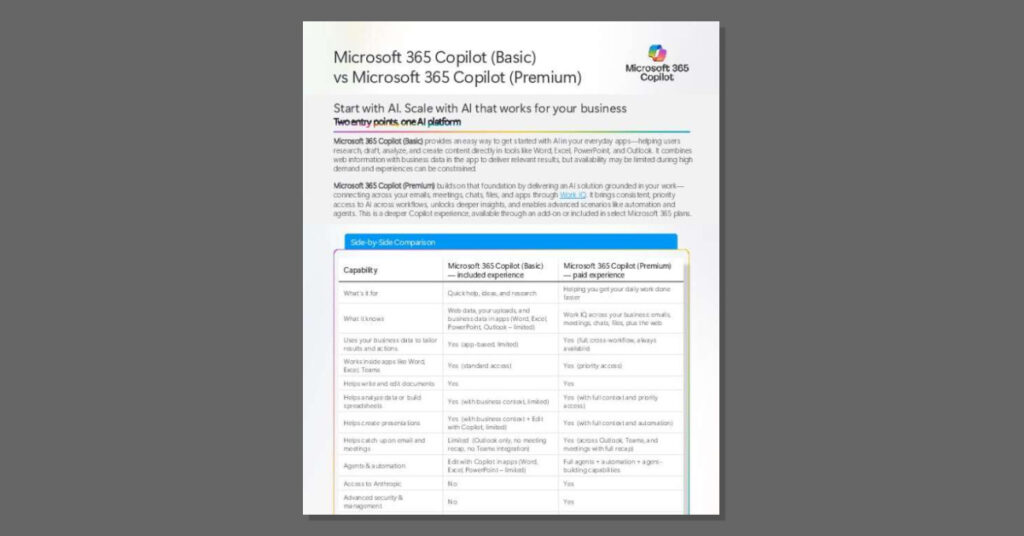
Microsoft 365 Copilot (Basic) vs Microsoft 365 Copilot (Premium) One-Pager

The “Microsoft 365 Copilot (Basic) vs Microsoft 365 Copilot (Premium) One-Pager” helps you compare everyday assistance with an experience grounded deeper in your organization’s work. See how options differ across business context, access, meeting and email support, agents, and automation. Download the one-pager to explore which experience aligns with your team’s needs. Message us for guidance on turning that comparison into a practical next step. @Microsoft Copilot

Microsoft 365 Copilot (Basic) vs Microsoft 365 Copilot (Premium) One-Pager Read More »

one pager Express Install Flyer NAM Mar 2026 fb thumb 1

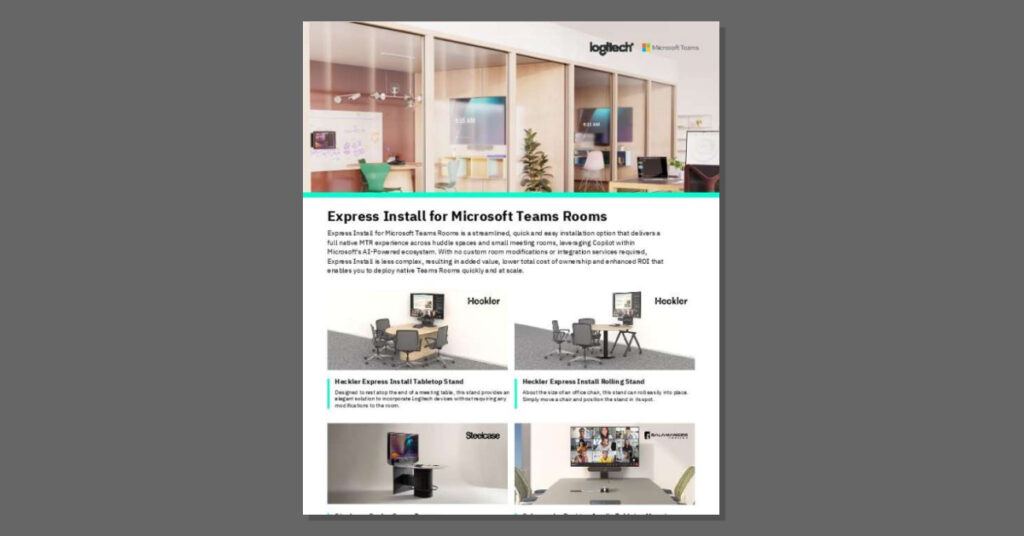
Express Install for Microsoft Teams Rooms

Setting up a huddle room shouldn’t take an entire day or necessitate a custom build. 🛠 T The one-pager titled “Express Install for Microsoft Teams Rooms” demonstrates how the MeetUp 2, Rally Bar Huddle, and Rally Bar Mini can easily connect with Tap controllers, commercial displays, and either tabletop or rolling stands without the need for any modifications to the room. Check it out to discover how we can assist you in deploying native Teams Rooms more quickly and at a lower overall cost. @Logitech for Business

Express Install for Microsoft Teams Rooms Read More »

Supercharge productivity with Microsoft 365 Copilot

If routine tasks are hindering progress, it might be time to rethink your workflow. The video, “Supercharge productivity with Microsoft 365 Copilot,” demonstrates how Copilot leverages advanced AI capabilities to simplify tasks and enhance your impact throughout Microsoft 365. Whether it’s drafting, summarizing, or organizing information, Copilot serves as your AI assistant at work. Check out the video to discover how you can help your team accelerate their efforts, maintain focus, and maximize the value of the tools they already use. 🌟 @Microsoft Copilot @Microsoft 365

Supercharge productivity with Microsoft 365 Copilot Read More »

Suncorp Customer Story Summary Slide FINAL 120225 thumb

Suncorp Customer Story

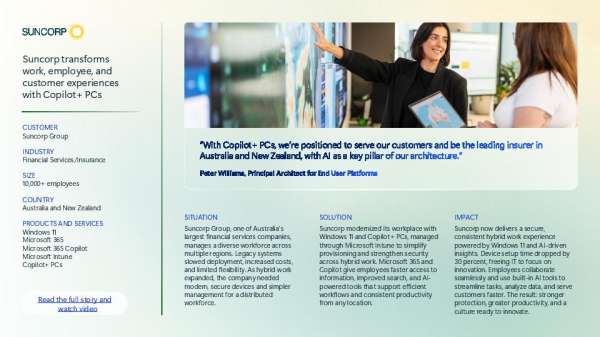
Struggling with legacy systems that slow deployment, increase costs, and make it harder to support hybrid work? Learn from the experience of Suncorp Group, a company that tackled the challenge by modernizing its workplace with Windows 11 and Copilot+ PCs. In this customer story, Suncorp shares how Microsoft Intune and Copilot enabled it to simplify device management and empower employees with AI-driven productivity tools. Get the story to be inspired by the results-including a reduction in device setup time by 30%, better security, and faster collaboration and customer service across its distributed workforce. @Microsoft Windows @Microsoft Copilot

Suncorp Customer Story Read More »

26190 Graebel 20Header 20Image1

Graebel drives growth and automation through AI innovation on Dynamics 365, Power Platform, and Copilot Studio | Microsoft Customer Stories

Global growth strains legacy, manual, and disconnected finance systems, resulting in bottlenecks that slow everything down. When global workforce mobility and managed services leader Graebel decided to tackle the challenge, it embarked on a modernization strategy to become a “Frontier Firm” centered on AI innovation. Powered by Dynamics 365, the Microsoft Power Platform, and Copilot Studio, the strategy included building custom AI agents to automate invoice processing and data retrieval. Read the story to discover how Graebel’s initial efforts fit into its vision to shape a human-led, AI-operated future. @microsoft-dynamics #PowerPlatform #CopilotStudio

Graebel drives growth and automation through AI innovation on Dynamics 365, Power Platform, and Copilot Studio | Microsoft Customer Stories Read More »